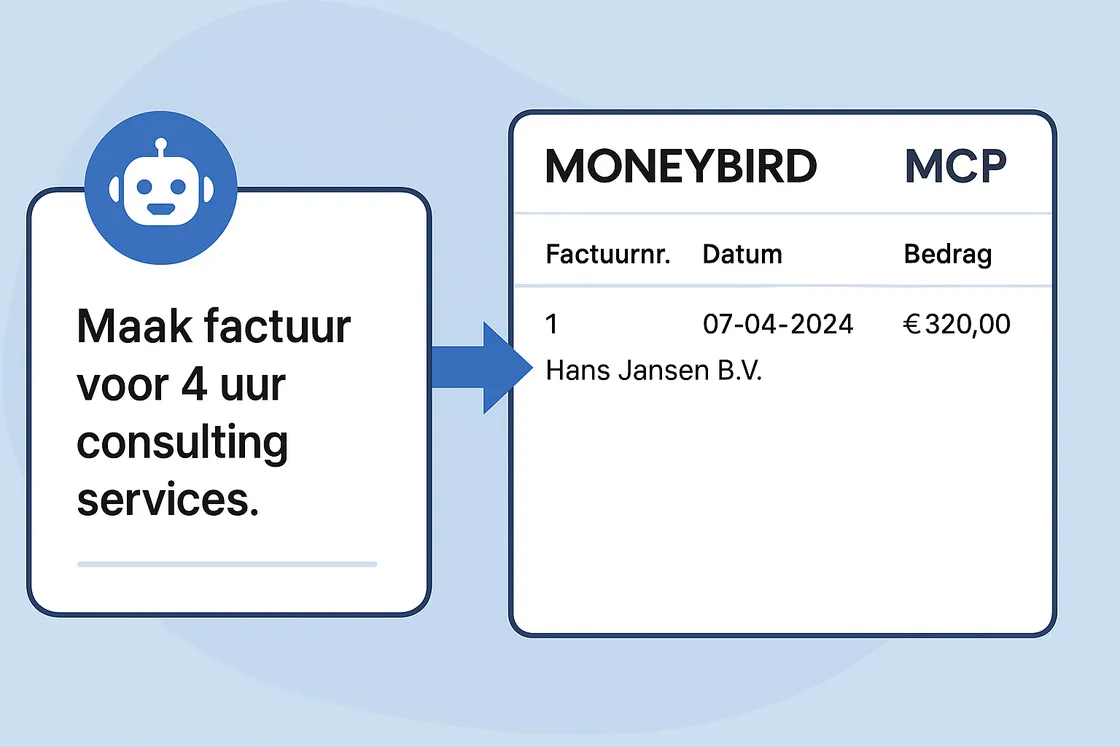
“Create an invoice for 4 hours of consulting services for Hans Jansen B.V.” “OK, done. Next?”
In a world where AI is becoming increasingly accessible, it’s tempting to ask your chatbot all sorts of questions, but it only becomes really interesting when it understands your systems. And that’s where MCP comes into play.
MCP, or Model Context Protocol, is a new standard that helps AIs like Claude learn to understand context about your software and systems. I’ve written a module that teaches Claude to communicate with the accounting software Moneybird. The result? You say something to Claude, and it creates your invoice. No more API integration in the backend needed, no developer needed at the crucial moment. Just: talking.
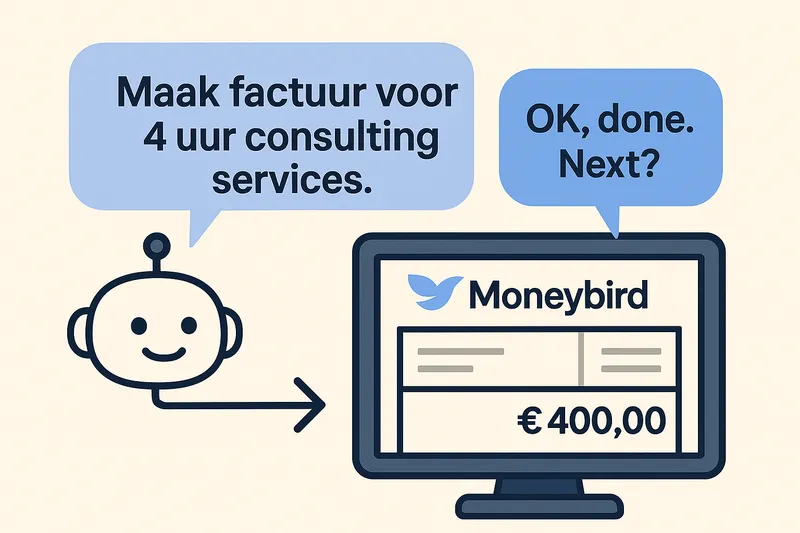
AI controls Moneybird via the MCP server.
What I’ve built is a MCP server plugin for Moneybird. When you load this into Claude (the desktop app), Claude understands how Moneybird works, like a virtual employee who handles your administration. In the video below, I show you what that looks like.
What Can It Do?
- Create new contacts
- Create invoices for products or services
- Retrieve and analyze invoices
- Answer questions like “What is my revenue in Q1?”
- And everything from a simple chat interface
See it in action:
📺 Video – AI automatically creates invoices in Moneybird 📦 View the code on GitHub
Claude: “The contact Jantje de Bakker doesn’t exist yet. Shall I create it?” You: “Yes.” Claude: “Contact created. Invoice created. Done.”
Why Is This Important?
Because AI only becomes valuable when it can actually do something. Not just give smart answers, but perform real actions in your systems. And that’s where MCP is a gamechanger. It teaches AI not only to talk, but also to act, within your context.
Are You Already Working with MCP?
Have you already gained experience with MCP integrations? Maybe you’re already experimenting with connecting AI to your own business systems. Or perhaps you have questions about using the Moneybird MCP module. I’m curious about your experiences with connecting AI to your software. Feel free to contact me with questions or to share a success story.
Or do you want to try it out right away?
- Clone the GitHub repo
- Follow the instructions in the README
- Start Claude desktop and load the plugin
- Experience how simple AI-driven administration can be